Camera Pet
- ダウンロード商品¥ 0無料ダウンロードCameraPet.zip(569 KB)CameraPet.zip
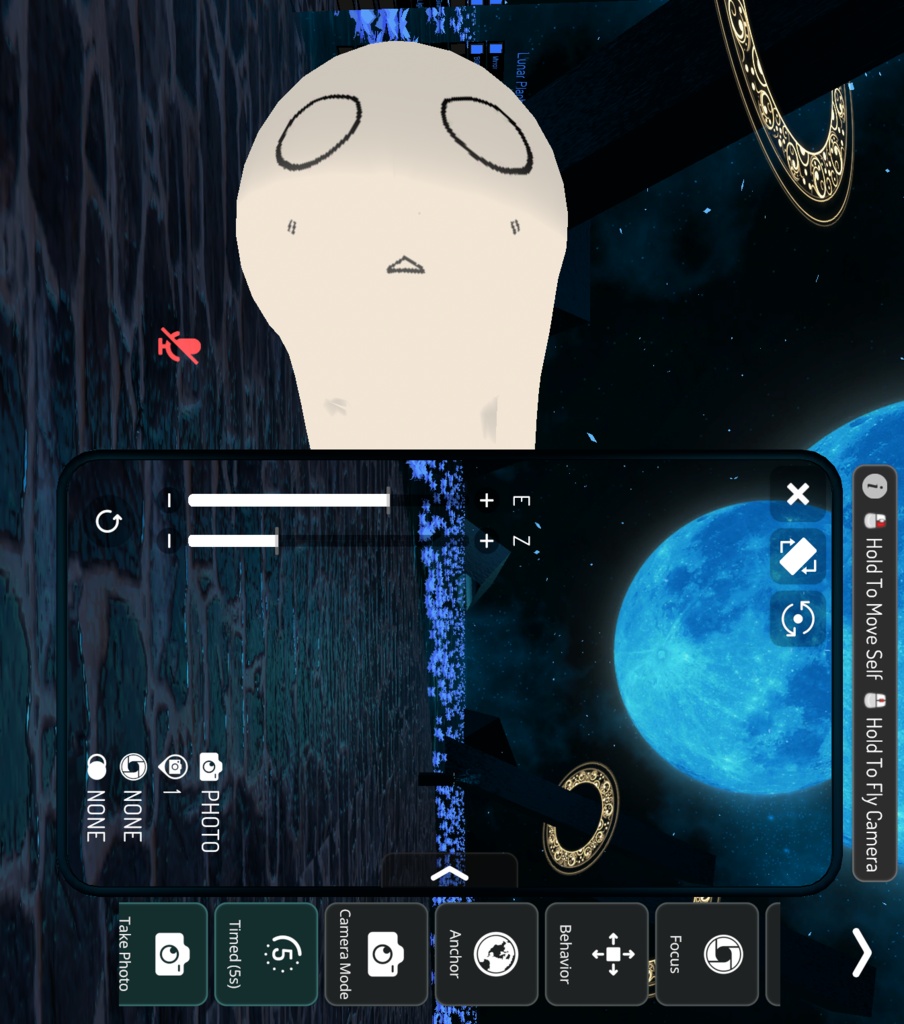
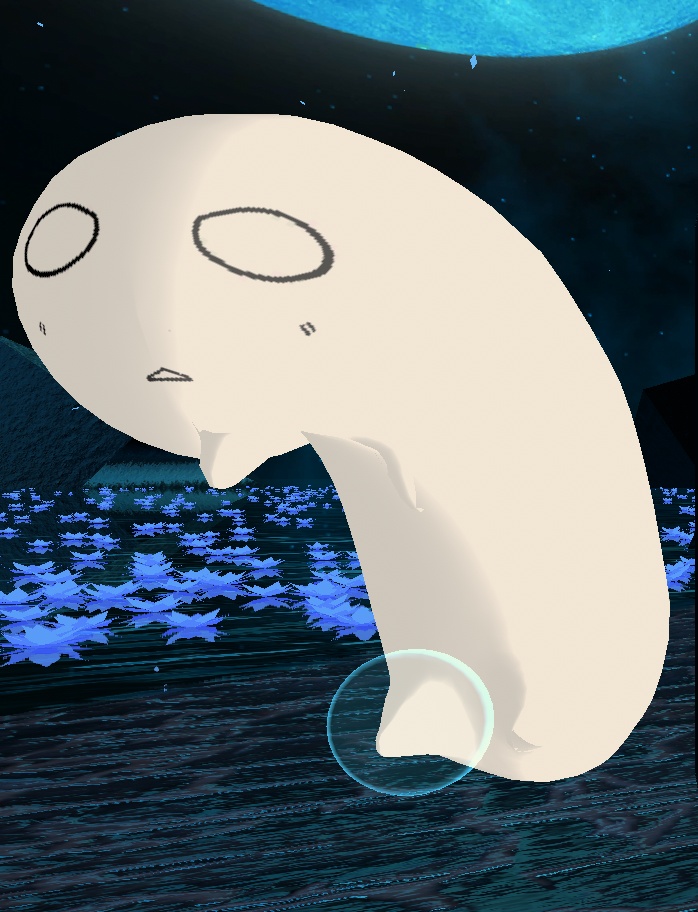
Have you ever wanted a lil' guy to stare at you when you have your camera out!?? No? Well too bad! This is a camera pet for VRChat! ◆What It Does: -Adds a cute pet that sticks to the VRChat photo camera. -Includes a menu toggle for turning the pet on and off. -Can be set to local only, friends only, or everyone viewable. -It is seen by everyone ONLY on their own camera, they will not see it on yours or anyone elses. ◆Contents: -CameraPet.prefab: The ready to use prefab. -CamLocator.shader: Shader that moves the model to the VRChat camera. -LilDude: Model, texture, material, animator. ◆Setup/Directions: -Make sure Modular Avatar is installed in the project. -Import the CameraPet package into a VRChat avatar project. -Drag the CameraPet prefab onto your avatar. -Place it anywhere under the avatar hierarchy. The object's transform is ignored by the shader. -Upload and Check it out in-game! ◆Material Settings: -Scale changes the size of the model. -Rotation changes the model's facing direction. -Local Translation offsets the model relative to the camera direction. -World Translation offsets the model in world space. -Visible In Camera controls whether it appears inside the VRChat camera view. -Visible Always can force it to render even when the photo camera is not active. ◆Warnings: -Modular Avatar is required for the menu toggle and animator setup. -Requires VRChat camera shader globals, so it is intended for VRChat. -The follower will not appear until the VRChat photo camera is active. -If the VRChat SDK changes camera globals, the shader may need updates. -If the VRChat avatar is too small or too big it might result in clipping ◆Terms of Use: -For personal use only. -You can not sell any derivatives of any of the assets. -You can not take any parts of this to be used commercially. (Unless given permission. Ask "bag_cat" on discord) ◆Contact: -If you have any questions, concerns, or suggestions you may get in contact with me through the store page or discord. -Discord: "bag_cat" カメラを出しているときに、ちっちゃいヤツに見つめられたいと思ったことはありませんか!?? ない? まあ、残念でした! これはVRChat用のカメラペットです! ◆機能: VRChatの写真カメラにくっつく、かわいいペットを追加します。 ペットのオン/オフを切り替えるメニュートグルが含まれています。 表示範囲を「自分のみ」「フレンドのみ」「全員」に設定できます。 全員に表示される場合でも、それぞれ自分自身のカメラ上にのみ表示されます。あなたのカメラや他の人のカメラ上に表示されることはありません。 ◆内容: CameraPet.prefab:すぐに使えるPrefab。 CamLocator.shader:モデルをVRChatのカメラ位置へ移動させるシェーダー。 LilDude:モデル、テクスチャ、マテリアル、アニメーター。 ◆セットアップ/使い方: プロジェクトにModular Avatarがインストールされていることを確認してください。 CameraPetパッケージをVRChatアバタープロジェクトにインポートします。 CameraPetのPrefabをアバターにドラッグします。 アバター階層内であれば、どこに配置しても構いません。オブジェクトのTransformはシェーダーによって無視されます。 アップロードして、ゲーム内で確認してみてください! ◆マテリアル設定: Scale:モデルのサイズを変更します。 Rotation:モデルの向きを変更します。 Local Translation:カメラの向きに対して相対的にモデルの位置をずらします。 World Translation:ワールド空間上でモデルの位置をずらします。 Visible In Camera:VRChatのカメラビュー内に表示するかどうかを制御します。 Visible Always:写真カメラがアクティブでない場合でも、強制的に表示できます。 ◆注意事項: メニュートグルとアニメーター設定にはModular Avatarが必要です。 VRChatのカメラ用シェーダーグローバルを必要とするため、VRChat向けに作られています。 VRChatの写真カメラがアクティブになるまで、追従オブジェクトは表示されません。 VRChat SDKでカメラ用グローバルが変更された場合、シェーダーの更新が必要になる場合があります。 ◆利用規約: 個人利用のみ可能です。 いかなるアセットの派生物も販売することはできません。 本製品の一部を商用目的で使用することはできません。(許可を得た場合を除きます。Discordで「bag_cat」にお問い合わせください) ◆連絡先: ご質問、ご不明点、ご提案がありましたら、ストアページまたはDiscordからご連絡ください。 Discord:「bag_cat」